
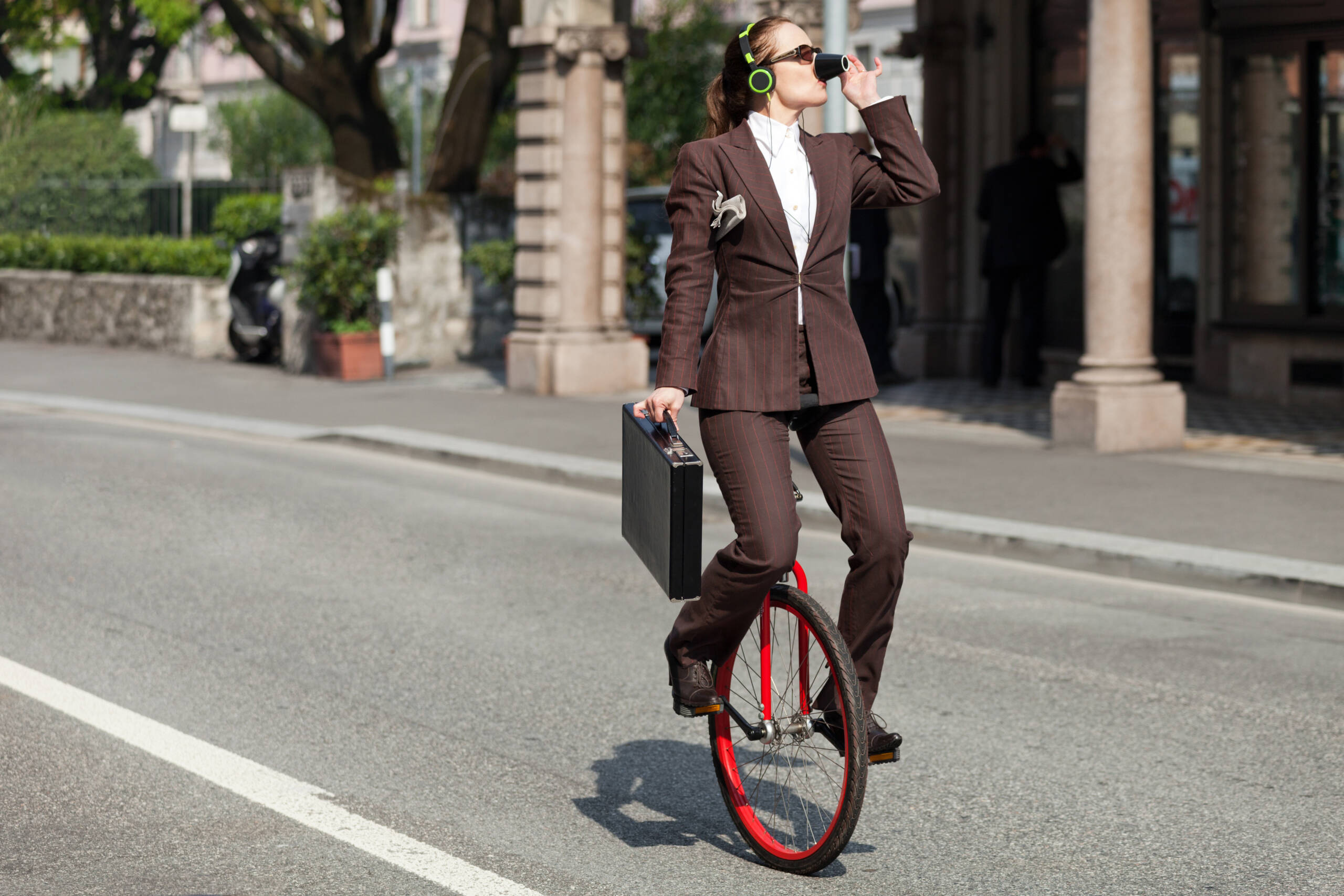
So you want to make an audiobook. Maybe it’s to breathe new life into your novel. Maybe it’s to revive dusty public domain classics. Or maybe it’s because you realized that people don’t read anymore unless Siri does it for them. Whatever your reason, you’ve stumbled into the world of audiobook production—a realm of narration, noise reduction, and very dramatic chapter intros.
Good news: you don’t need a $10,000 home studio or the vocal range of Morgan Freeman. All you need is a mic, some software, a bit of patience, and an unsettling willingness to say “Chapter One” over and over again until it no longer sounds like English.
Step 1: Choose Your Text (Carefully… or Public Domain-ly)
Before you start recording, you need a book. That might sound obvious, but if you don’t own the rights to the material, you’ll soon be recording yourself into a cease-and-desist letter.
If you’re narrating your own book—great! You’re legally clear and emotionally attached.
But if you’re planning to make audiobooks from classics, you’ll want to stick to:
- Public domain works (think pre-1928 in the U.S.)
- Creative Commons books with permission
- Your friend’s novel that didn’t win NaNoWriMo but deserves better
Rambling Tip: Public domain = free + classy. There’s always someone out there dying to hear a dramatic retelling of The Picture of Dorian Gray in a Midwestern accent.
Set Up Your Recording Gear (The DIY Narrator’s Tool Kit)
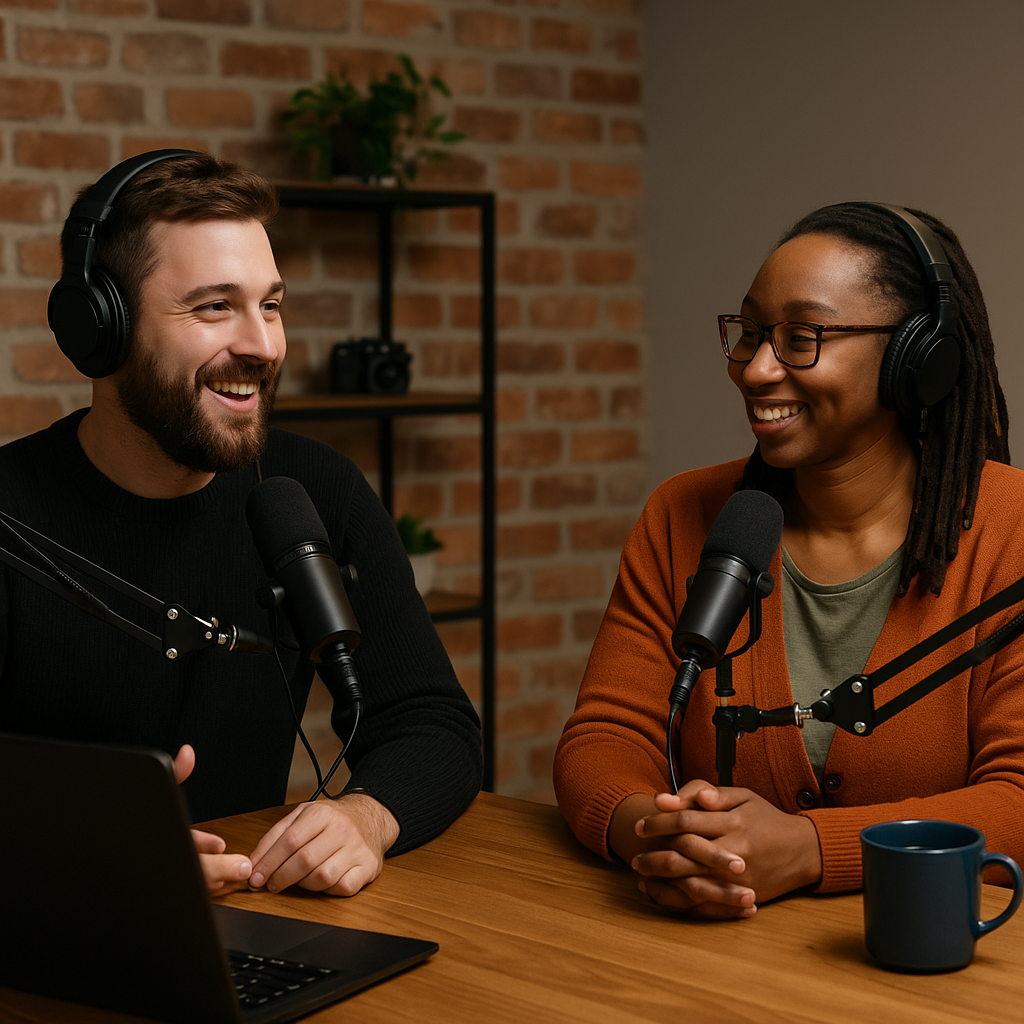
To turn your cozy blanket fort into an audiobook studio, you’ll need a few basic tools.
- Microphone: USB mics like the Blue Yeti are solid starters. XLR mics (like the Rode NT1) offer better quality if you’re ready to level up.
- Pop Filter: Reduces mouth pops. Makes you sound like less of a human firecracker.
- Headphones: Over-ear, closed-back headphones help you hear flaws in real-time.
- Recording Software (DAW): Audacity (free), Reaper (cheap), or Adobe Audition (professional and complicated enough to feel important).
- Quiet Space: Think closet, car, or the one room where your cat doesn’t scream for attention.
Pro tip: If it sounds like you’re recording inside a tin can taped to a blender, tweak your setup—not your voice.
Practice Your Narration (aka “Voice Acting Without the Vanity”)
Audiobooks aren’t just reading—they’re performance. And no, that doesn’t mean you need to go full Gollum for every character. But it does mean you should:
- Know your pacing (hint: slow it down)
- Match tone to content (don’t giggle through a eulogy)
- Practice hard-to-pronounce words in advance
- Read a few pages aloud before hitting “record” so you sound human, not robotic
Also, hydrate. A dry mouth is the enemy of audio clarity and self-esteem.
Bonus: Record a 2-minute sample and play it back. If it makes you cringe, good! You’re becoming self-aware.
Record (And Re-record When Your Chair Creaks)
Recording an audiobook is basically this: talk, stop, breathe, sigh, curse at background noise, and redo the line.
Use your DAW to:
- Record in WAV or high-bitrate MP3
- Monitor your levels (aim for -12dB to -6dB)
- Mark mistakes so you can find them later
- Mute the part where the UPS driver bangs on your door
Record in chunks—chapter by chapter or scene by scene. You don’t have to do it all at once, unless you want your final chapters to sound like they were voiced by a dehydrated ghost.
Edit (The Painful, Beautiful Cleanup)
Editing is where the real magic (and madness) happens. This is where you remove all the awkward pauses, extra breaths, dog barks, and existential dread you accidentally recorded.
In your DAW:
- Trim silence (but not all of it—readers still like to breathe)
- Delete retakes
- Normalize volume
- Apply compression and EQ to make your voice sound silky, not spooky
You can also use tools like:
- Descript: For editing audio like a Word doc
- iZotope RX: For serious audio cleaning (used by wizards and perfectionists)
- Reaper scripts: For batch processing long sessions
Bonus: Hire a freelance editor if you want to save time and/or your marriage.
Export and Format for Audiobook Platforms
Once edited, you’ll need to export your audiobook in formats that meet platform requirements.
For example, ACX (Audible’s backend) requires:
- Each file to be a single chapter
- 192kbps or higher MP3s
- 0.5–1 second of silence at the beginning
- 1–5 seconds of silence at the end
- Opening credits and closing credits in separate files
You’ll also need a cover image (2400x2400px, JPG) and a title description that doesn’t sound like ChatGPT wrote it during a crisis.
Publish and Distribute
You can distribute your audiobook through platforms like:
- ACX (Audible, Amazon, iTunes)
- Findaway Voices (now part of Spotify)
- Authors Republic
- Google Play and Kobo
Each platform has different royalties, reach, and upload rituals, but all of them will accept you if your audio is clean, legal, and doesn’t sound like it was recorded in a haunted tunnel.
Promote It Like a Rock Star (But Literate)
Now that your audiobook is live, it’s time to shout about it—on social media, in newsletters, at dinner parties, and through subtly placed bookmarks at Barnes & Noble.
Create teaser clips, audiograms, and short behind-the-scenes snippets. Record yourself reading a line that makes people cry, laugh, or question your sanity. Partner with podcast hosts. Email book clubs. Launch a website with phrases like “Now Available Wherever Audiobooks Are Questionably Priced.”
s.
